Paint 1995
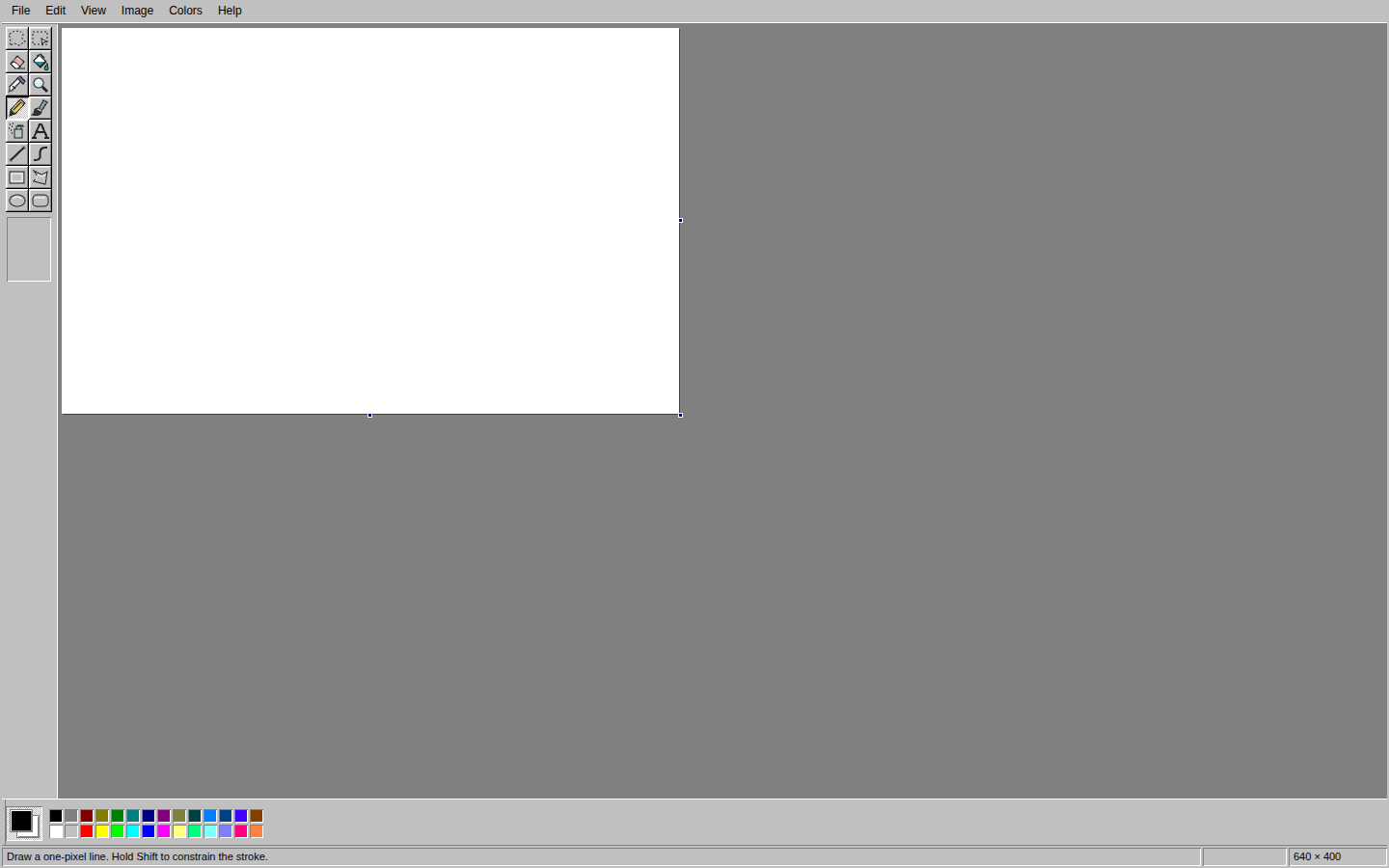
A browser drawing scratchpad with a toolbox, a palette and a blank canvas. Draw, undo and export an image without uploading it.
Open Paint 1995 · All projects
Version: 1.0
Type: Raster Graphics Editor / Single Page Application (SPA)
Domain: Drawing / Pixel Art
Purpose & Origins
Paint 1995 started with wanting the simplicity of a classic drawing application in the browser. A familiar toolbox, a palette and a blank canvas, without an account attached. I wanted a scratchpad for quick sketches, small edits and things that do not need to become a project. Open it, choose a colour, make a mark. Nothing needs to be uploaded.
Architecture & Technology
Paint 1995 is written in TypeScript and compiled into a self-contained HTML file carrying its JavaScript, CSS, original artwork and worker code. It can be served as a static page, with no application backend, runtime dependencies or CDN requests.
An independently written pixel engine handles strokes, fills, shapes, selections and transformations, with Canvas displaying the artwork. Larger image operations and GIF encoding run in Web Workers. The drawing keeps its own pixel dimensions: zooming or fitting it to a phone changes the view, not the image.
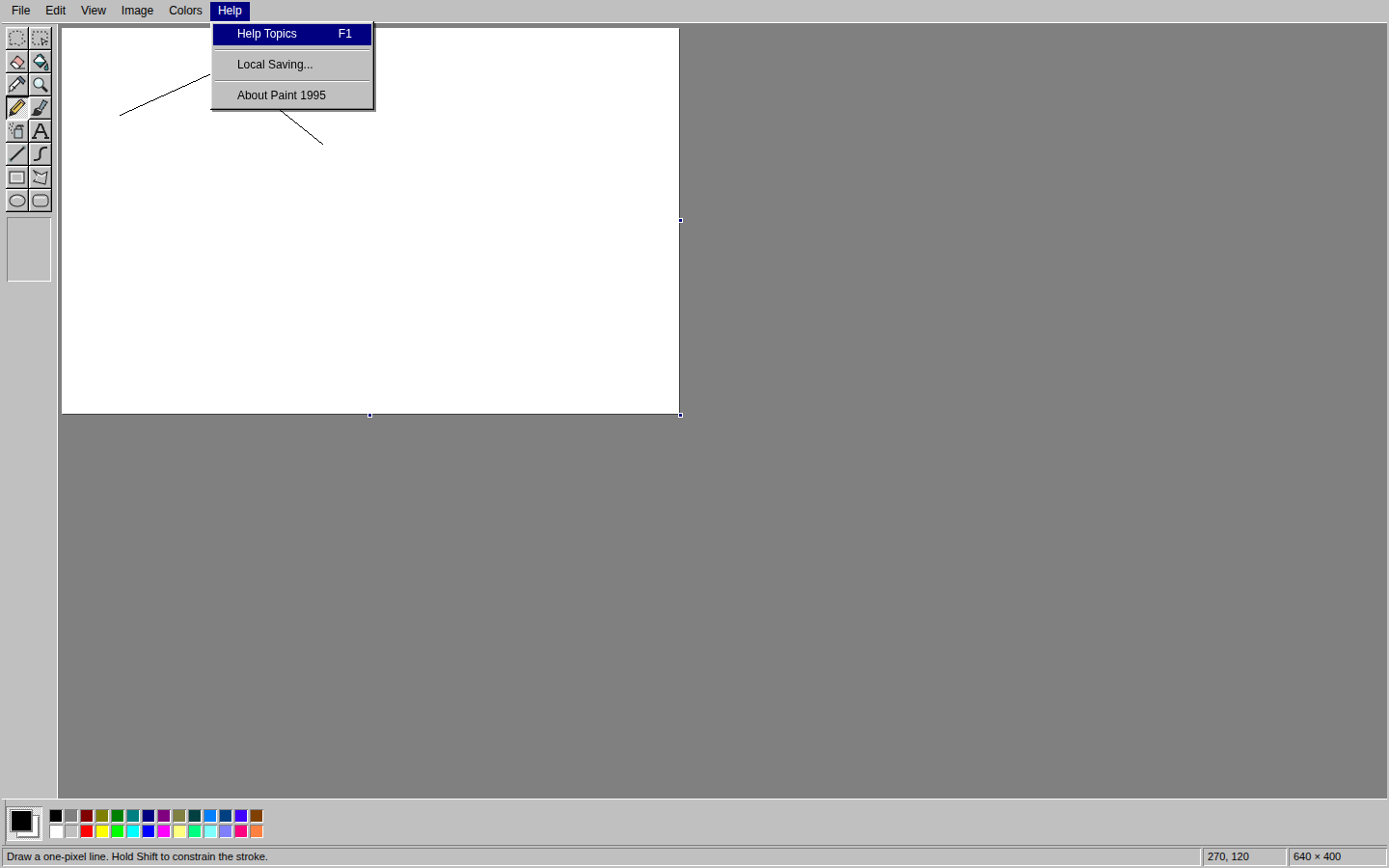
Work stays in memory by default. Optional recovery saves a copy in the browser only after permission is enabled through Help, and nothing is synchronized elsewhere. Save As works independently of that choice, exporting PNG, JPEG, single-frame GIF or BMP files directly from the browser.
Scope & Uniqueness
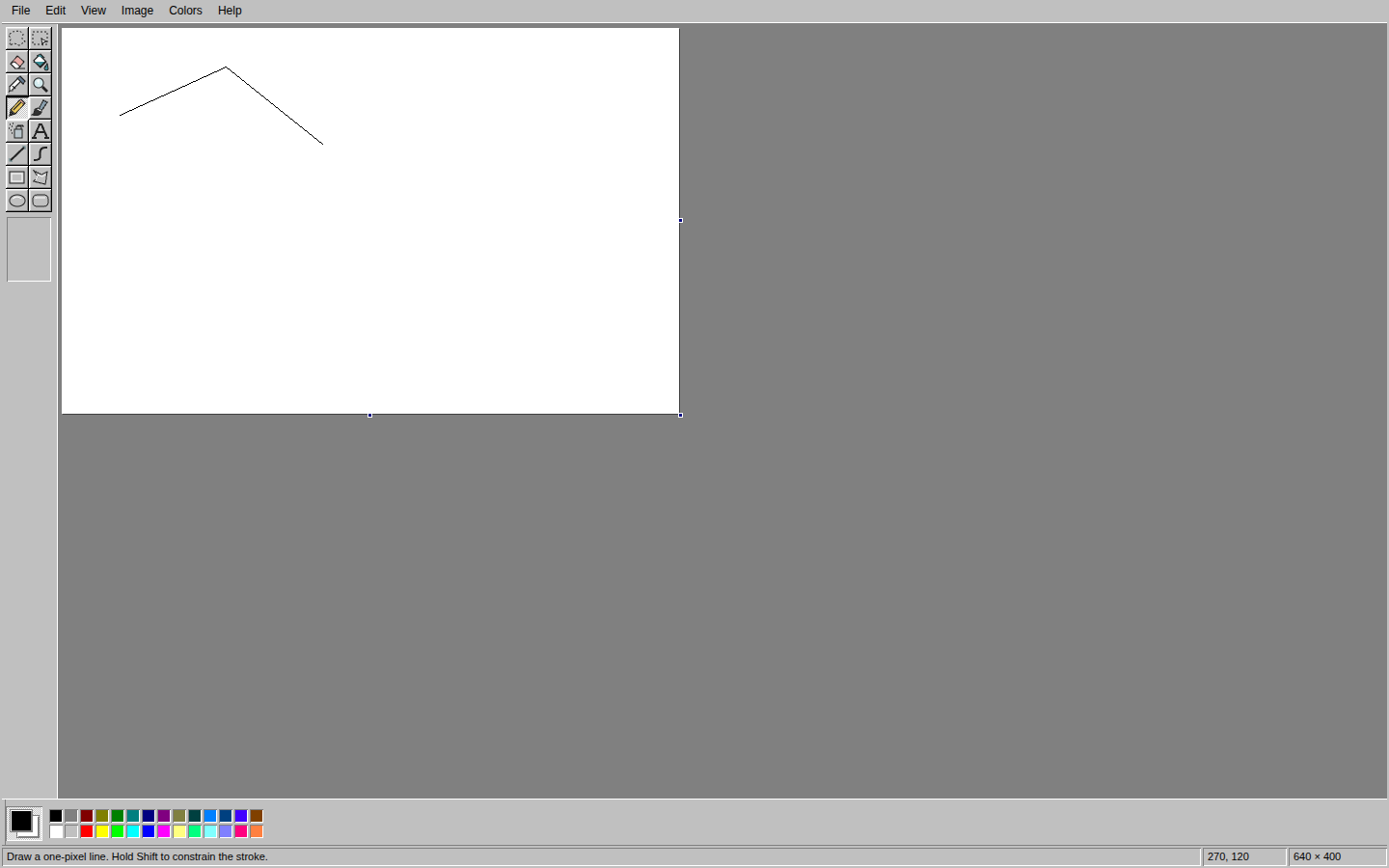
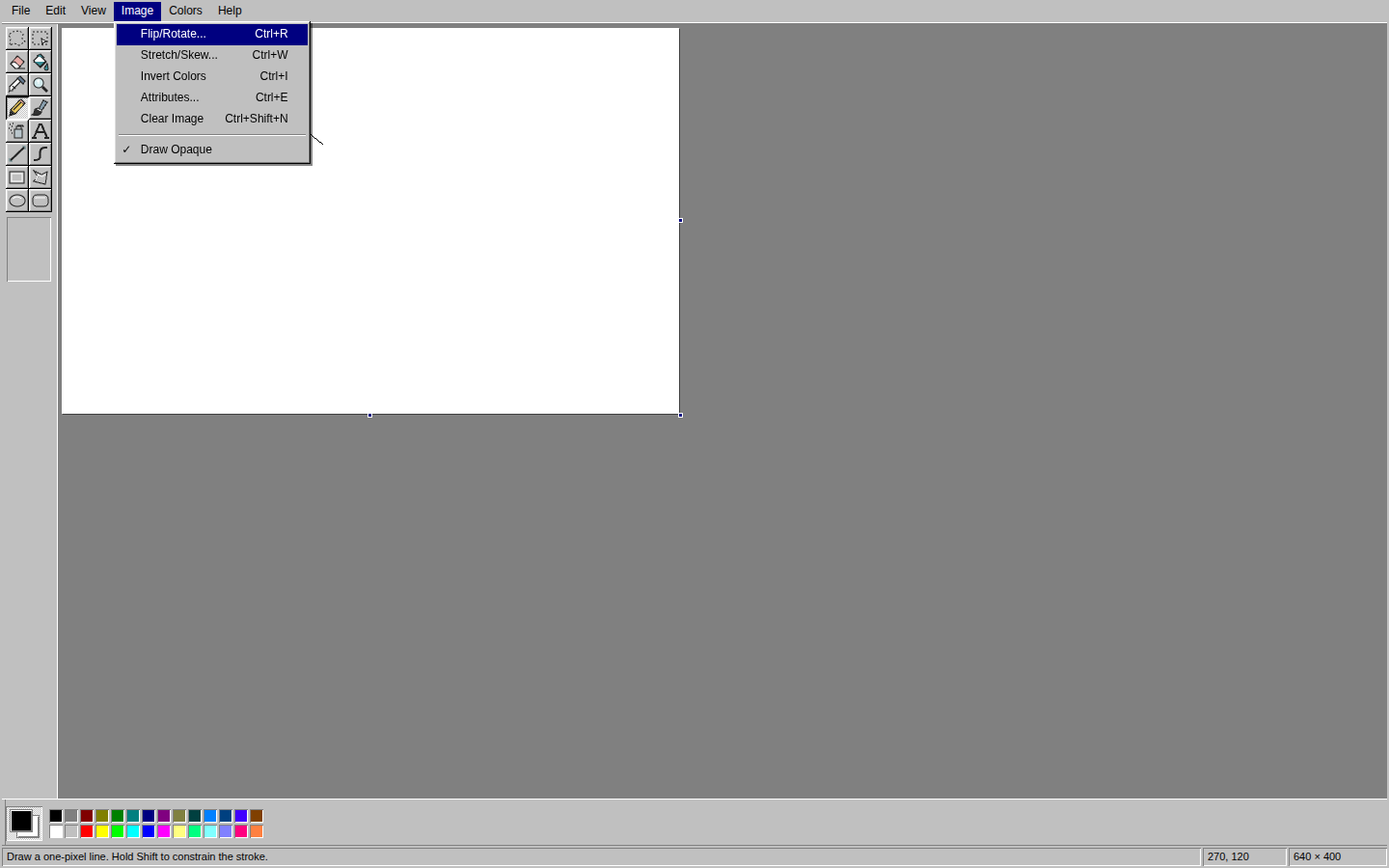
This is a working drawing application, not a decorative interface. Pencil, brush, airbrush, text, shapes, selections and image transformations sit behind compact desktop controls, with deeper undo for mistakes. On touch screens, tools move into a bottom tray and two fingers pan or zoom without resizing the artwork. Independently authored icons and drawing glyphs give the application its own assets rather than relying on copied legacy resources.
The point is not to turn a small paint program into a full design suite. It is to preserve the pleasure of a tool that asks very little of you: draw something, change your mind, save the file, and leave.
Screenshots